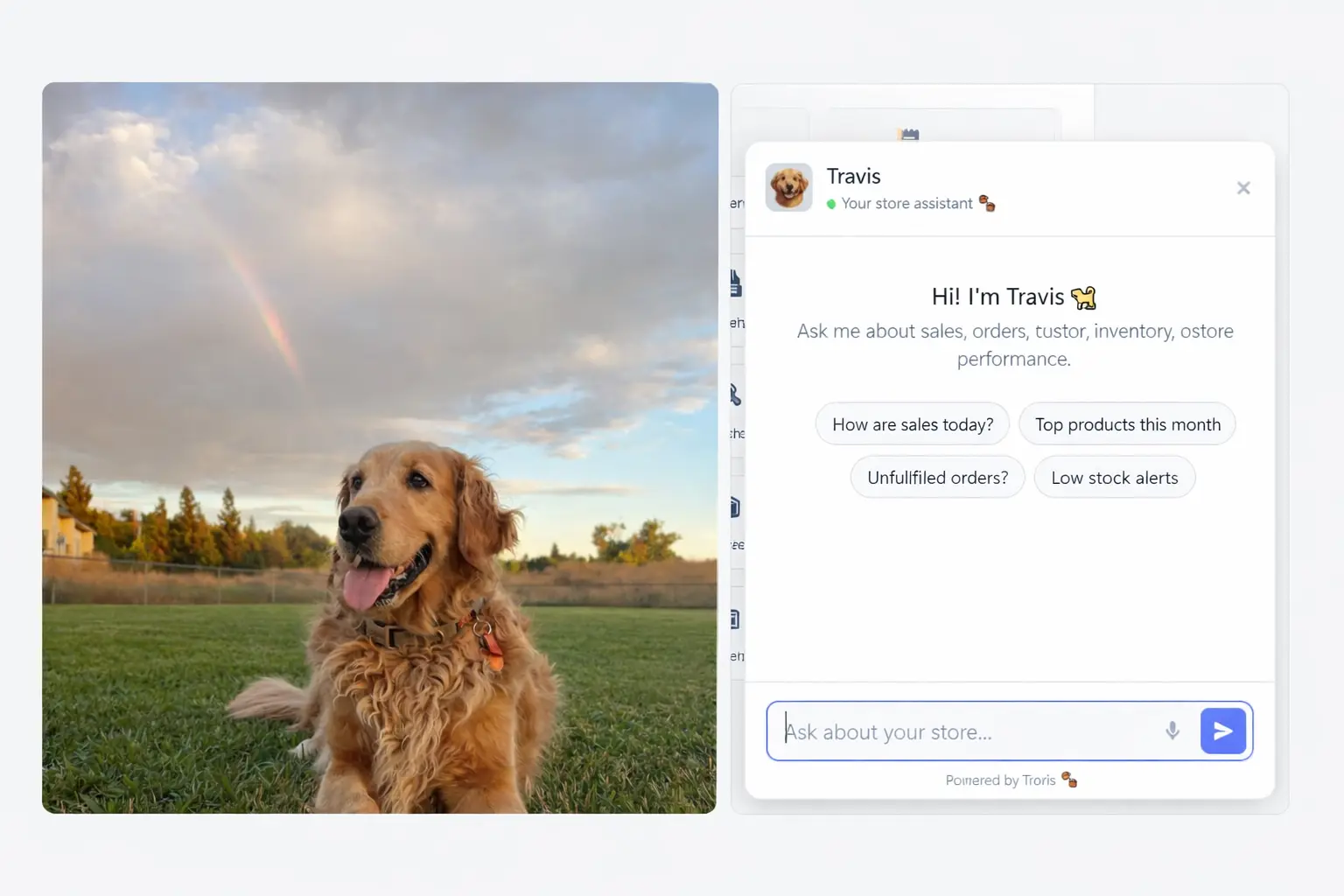
Your store comes with Travis, a built-in AI assistant that lives right inside your CartOS admin. This FAQ covers what Travis can do today and what's coming next.
General
What is Travis?
Travis is CartOS's built-in AI assistant. It's available directly in your admin dashboard — no third-party apps, no extra subscriptions, no setup required. Travis is designed to help you run your store faster by answering questions, guiding you through features, and (soon) doing work for you.
How do I access Travis?
Click the Travis icon in your admin sidebar or use the chat bubble in the bottom corner of any admin page. Travis is available 24/7.
Does Travis cost extra?
No. Travis is included with every CartOS plan at no additional charge.
Is my data private?
Yes. Travis runs on CartOS infrastructure and your store data never leaves our servers. We don't use your conversations or store data to train AI models. Travis only accesses the information it needs to help you in the moment.
Does Travis replace human support?
No. Travis is a first line of help for common questions and quick guidance. If Travis can't answer your question or you need hands-on help, it will connect you with our human support team. You can also reach support directly anytime at cart-os.com/contact.
Travis v1 — Available Now
What can Travis v1 do?
Travis v1 is your knowledge assistant. It can:
- Answer questions about CartOS — How do I set up shipping? Where do I connect Stripe? How do bolts work? Travis knows the entire CartOS help center inside and out.
- Walk you through features step by step — Instead of searching help docs, just ask Travis. It gives you the exact path to follow (e.g., "Go to Settings → Payments → PayPal → enter your API credentials").
- Explain concepts — Not sure what a bolt is? Confused about fulfillment statuses? Want to understand how tax collection works? Travis explains things in plain language.
- Help with troubleshooting — Describe what's going wrong and Travis will suggest solutions based on common issues and fixes.
- Guide store setup — New to CartOS? Travis walks you through the setup checklist: adding products, choosing a theme, configuring payments, setting up shipping, and going live.
- Provide migration guidance — Moving from Shopify, Etsy, WooCommerce, or eBay? Travis knows the migration process for each platform.
- Recommend bolts — Describe what you need and Travis suggests which bolts to install and how to configure them.
What can't Travis v1 do?
Travis v1 is read-only — it can tell you how to do things, but it can't do them for you yet. Specifically, v1 cannot:
- Make changes to your store, products, or settings
- Create or edit content, pages, or emails
- Process orders or issue refunds
- Install or configure bolts on your behalf
- Access external websites or third-party services
- Generate images, write product descriptions, or create marketing copy
These capabilities are coming in v2.
How accurate is Travis?
Travis is trained on the complete CartOS knowledge base and is highly reliable for platform-specific questions. That said, it's an AI assistant — not a lawyer, tax advisor, or financial consultant. For tax questions, always consult a professional. For legal or compliance issues, seek appropriate counsel. If Travis isn't confident in an answer, it will tell you and suggest contacting human support.
Can Travis help my customers too?
Not yet. Travis v1 is admin-only — it helps you, the store owner, and your staff. Customer-facing AI assistance is on the roadmap. For now, use CartOS Messaging for customer chat (with saved replies and automation for efficiency).
Travis v2 — Coming Soon
What's different about v2?
Travis v2 is the leap from knowledge assistant to agentic assistant. Instead of just telling you how to do things, Travis v2 will actually do them. Think of v1 as a knowledgeable coworker who gives great advice. V2 is that same coworker rolling up their sleeves and getting the work done with you.
What will Travis v2 be able to do?
Content Creation
- Write product descriptions from a photo, a few keywords, or a rough draft
- Generate and refine collection and category descriptions
- Create blog posts and articles for your store's blog
- Write About Us, FAQ, and other static pages
- Suggest SEO titles, meta descriptions, and URL handles
Email & Marketing
- Draft email campaigns — promotional, seasonal, product launches, newsletters
- Create abandoned cart recovery email sequences
- Write welcome series for new subscribers
- Build post-purchase follow-up flows
- Generate subject lines and preview text with A/B variants
- Set up Cascade automation workflows by describing what you want in plain language
Store Management
- Create and update products (titles, descriptions, pricing, variants, images)
- Organize products into collections and categories
- Apply bulk edits — update prices, tags, inventory across multiple products at once
- Create discount codes and promotions
- Set up shipping rules and zones
- Configure tax settings
Design & Storefront
- Suggest and apply theme customizations
- Create and edit store pages with layout recommendations
- Build landing pages for campaigns and promotions
- Update navigation menus
Order Operations
- Summarize order activity and flag issues needing attention
- Draft customer communications for order updates
- Help investigate order problems and suggest resolutions
Analytics & Insights
- Summarize store performance in plain language ("Sales are up 12% this week, driven by your new summer collection")
- Identify trends and suggest actions ("Your blue widget is getting a lot of views but low conversion — consider adjusting the price or adding more photos")
- Generate custom reports on demand
Workflow Automation
- Build Vibe (Automation Bolt) workflows from natural language descriptions ("When someone buys a subscription product, send a welcome email, wait 3 days, then send a getting-started guide")
- Suggest automations based on your store's patterns
Will v2 make changes without my approval?
No. Travis v2 will always show you what it plans to do and ask for confirmation before making any changes to your store. You review, approve, edit, or reject — Travis executes. Nothing happens without your say-so.
Can v2 help my customers directly?
That's on the roadmap. The first release of v2 focuses on admin-side capabilities — helping you run your store. Customer-facing Travis (answering product questions, helping with orders, providing support) is planned for a future update.
When is v2 available?
Travis v2 is currently in development. We'll announce availability through in-app notifications and email. All existing CartOS merchants will get access automatically — no upgrade or additional cost required.
Will v1 keep working when v2 launches?
Yes. V2 is an expansion of v1, not a replacement. Everything Travis can do today will continue working, with the new agentic capabilities layered on top.
Tips for Getting the Most Out of Travis
Ask naturally
You don't need special commands or keywords. Just ask like you'd ask a coworker: "How do I set up free shipping over $50?" or "What's the best way to organize my products?"
Be specific
The more context you give, the better Travis can help. "How do I add a product?" gets a good answer. "How do I add a digital product with multiple file downloads and license keys?" gets a great one.
Follow up
Travis remembers the conversation context. If the first answer doesn't fully solve your problem, ask a follow-up. "What about for international orders?" or "Can you explain that last part again?"
Know when to escalate
Travis is great for how-to questions and guidance. For account-specific issues (billing problems, domain emergencies, security concerns), reach out to human support at cart-os.com/contact.